 TikQo


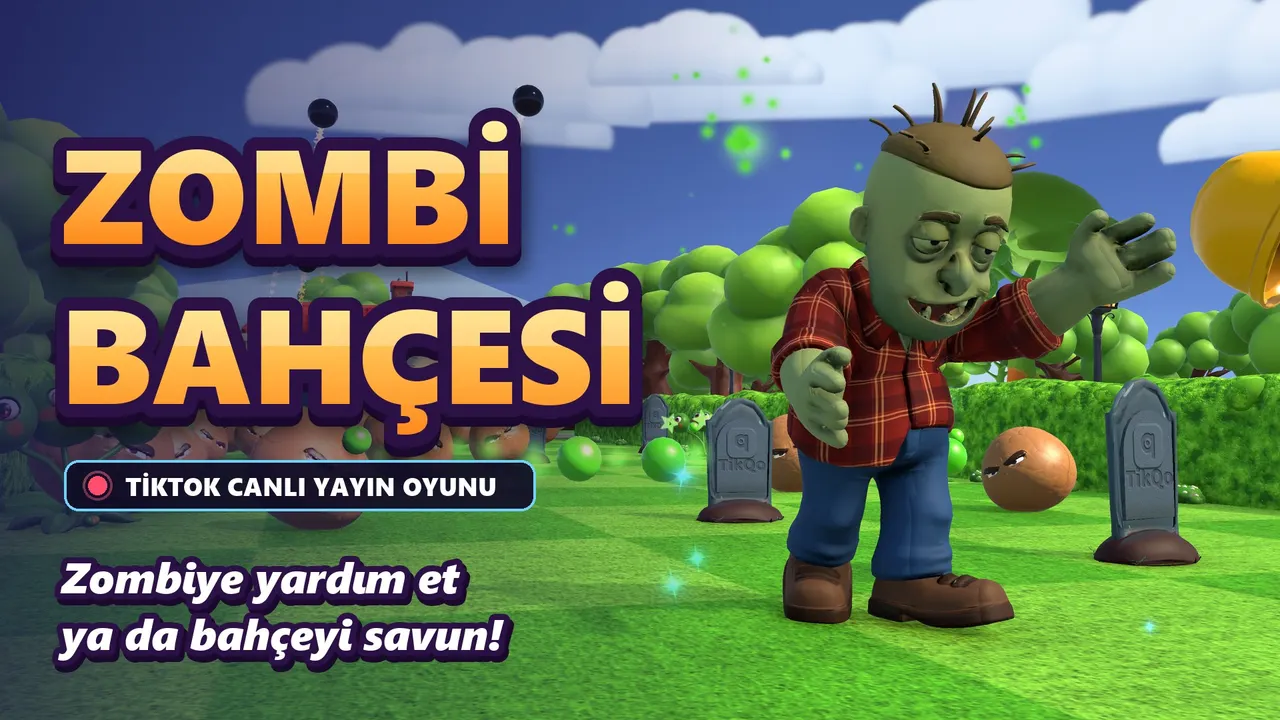
About the game
Zombie Garden turns your TikTok LIVE into a fierce garden battle between two teams. A hungry zombie steps off the sidewalk and walks up the long garden path to the front door; all he cares about is the brain inside. Who will get him to the door, and who will stop him on the way? The chat decides. The zombie keeps walking even if nobody helps, so the screen is never empty. When he reaches the door he pounds on it; once it breaks he bursts in, sits at the table and happily eats the brain: BRAIN! Every brain is added to the counter. When the goal is reached (17 by default), the screen fills with a "ZOMBIES WON!" celebration and the top three helpers step onto the podium. Viewers split into two teams. HEROES help the zombie: put a hard hat on him, give him a door shield, make him sprint with a speed boat, lift him over obstacles with a balloon, launch him forward with brain scent, drop a gravestone cover from the sky. VILLAINS defend the garden: plant hundreds of walnuts along the path, push the zombie back with pea shooters, blow him up with bomb clusters, make him walk backwards with a hypno mushroom, blow him back with the wind, reinforce the door with a house shield. Everyone can join: typing "katıl" in a comment pushes the zombie forward, follows earn a hard hat, shares earn a door shield, and likes fill the house shield. Free participation appears on screen equal to the other effects. Every effect shows up on screen with the name and profile picture of the viewer who triggered it. Everything is ready for the streamer: landscape, square and portrait layouts (in portrait, the top space is left for your camera), Low / High / Ultra graphics, and a Turkish menu opened with Esc. While the menu is open, the game fully pauses and incoming effects wait in the queue. All 17 actions can be mapped to any gift you want from the launcher.
How to buy
- Press Buy. If you are not signed in, the sign-in page opens first.
- Pay by card on the secure checkout page (USD). The game is added to your TikQo account right after payment.
- Log in to the launcher with the same account; the game downloads and you're ready to go live.
System requirements
See the download page for details.
Zombie Garden FAQ
How do you play Zombie Garden?
Zombie Garden is a game that viewers control with gifts, likes, follows and comments during your TikTok LIVE. You open the game on your Windows PC with TikQo Launcher, type your TikTok username and connect it to your stream. To let viewers see the game, you add the game screen to your stream from your PC.
How much does Zombie Garden cost?
Zombie Garden costs 299 TL. The game you buy is added to your TikQo account and shows up in the launcher. If you want to play several games, take a look at the packages as well.
Can Zombie Garden be played on a phone?
The game runs on a Windows 10 or 11 (64-bit) PC; Mac and phone-only setups are not supported at the moment. Even if you start your stream from your phone, the launcher passes interactions to the game, but to let viewers see the game you need to add the game screen to your stream from your PC.
Similar games
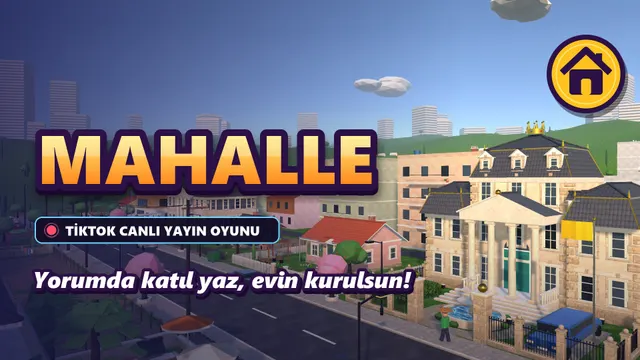
Neighborhood
Every viewer gets their own house in a living neighborhood; as support comes in, the shack turns into a mansion.
- 8 levelsShack → Cabin → Detached house with garden → Two-story → Modern duplex → Villa with pool → Luxury mansion → Estate
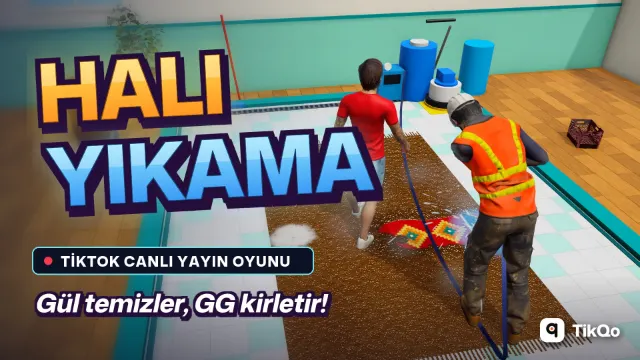

Carpet Wash
You wash the carpet; viewers send Roses to clean it, or send GG to land on the carpet with muddy feet!
Memleket
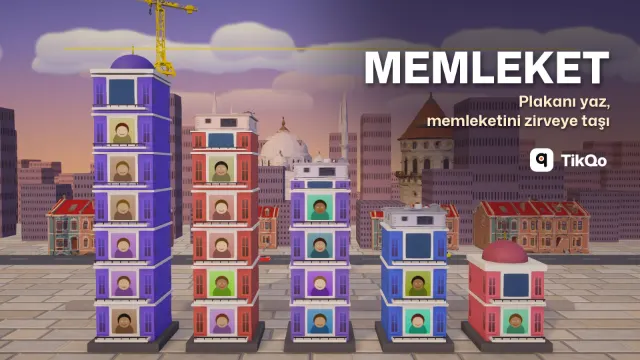
Viewers type their license plate code and add bricks to their hometown's tower; the first province to reach the clouds wins the round.
- RankHemşehri → Usta → Ağa → Bey, next to their name on the event card